



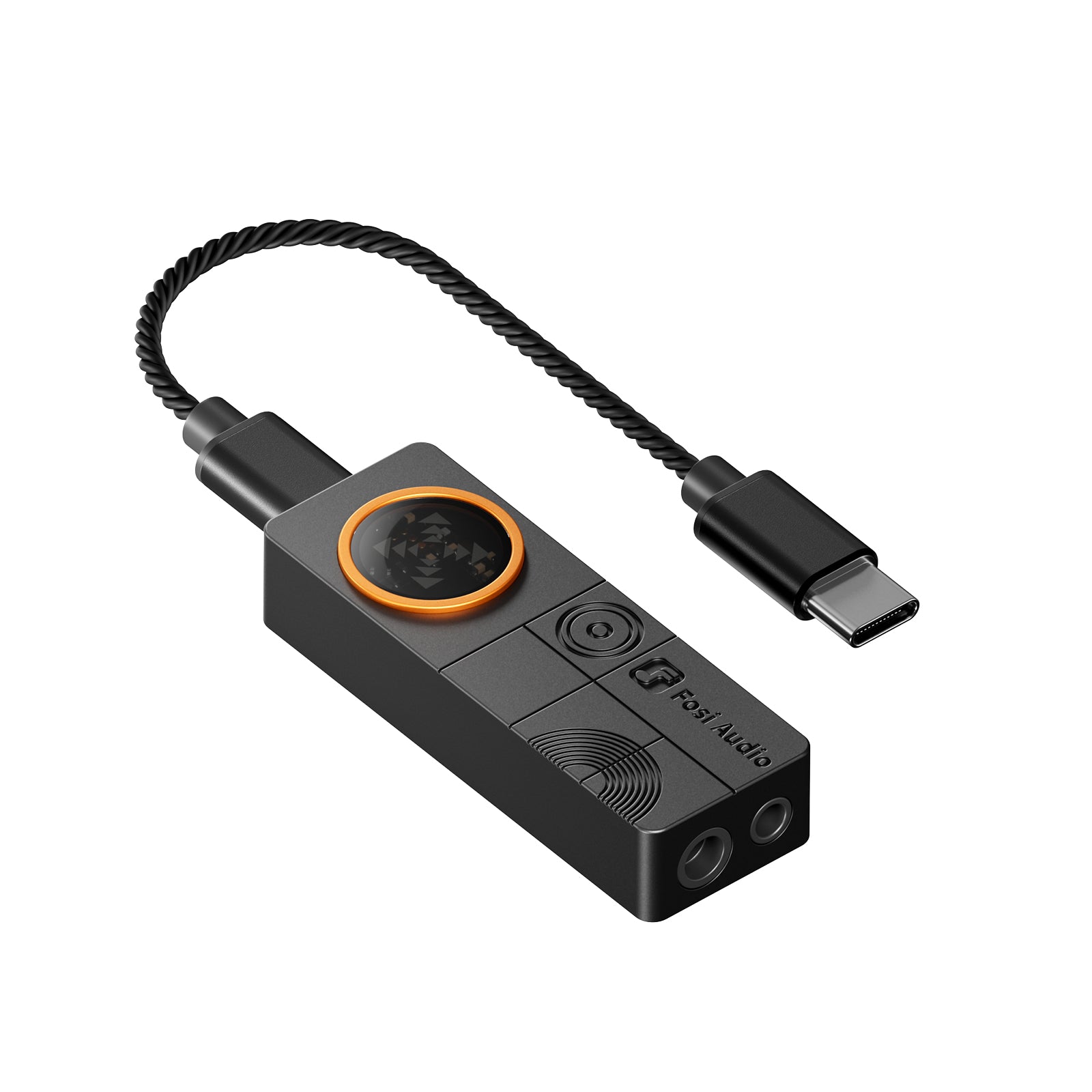
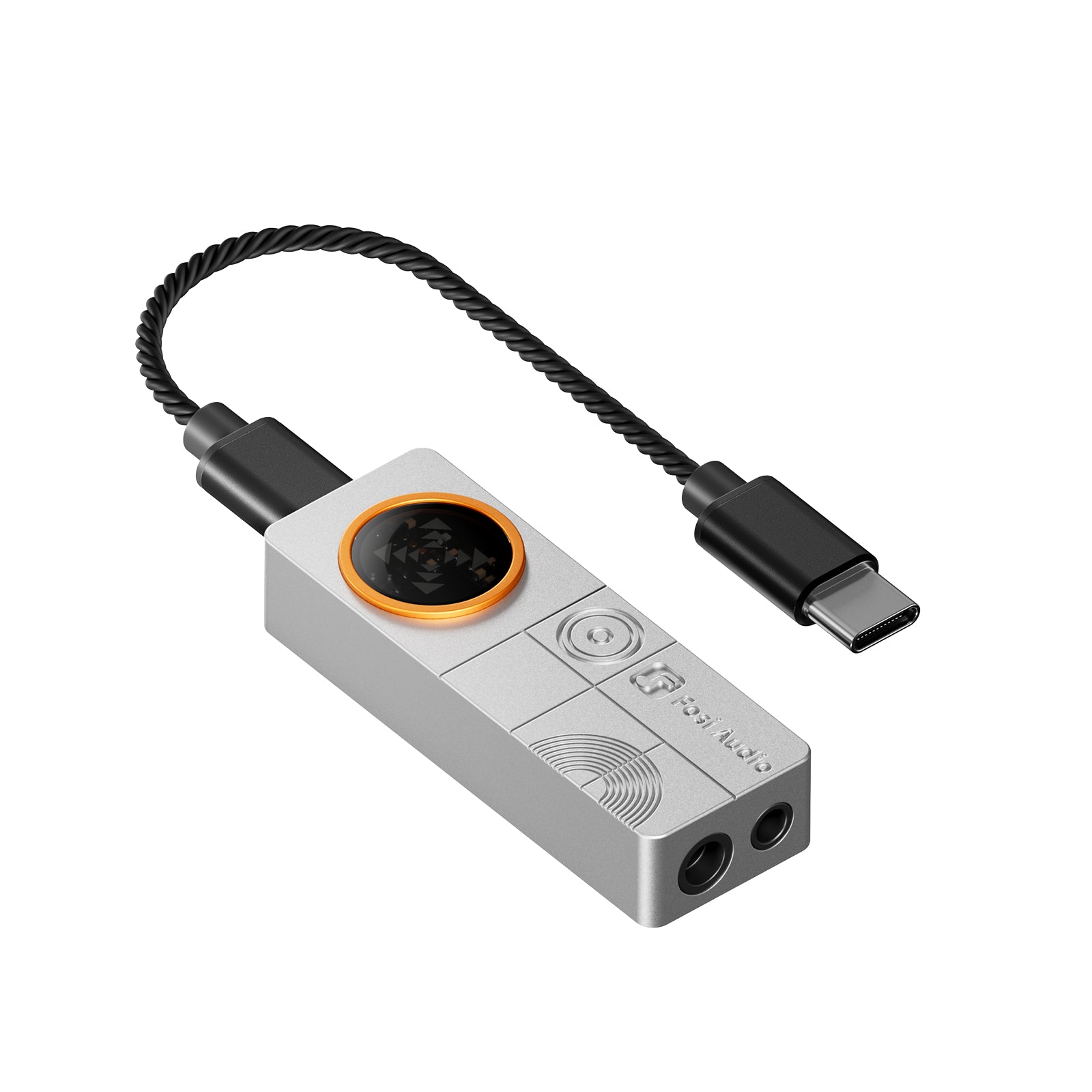
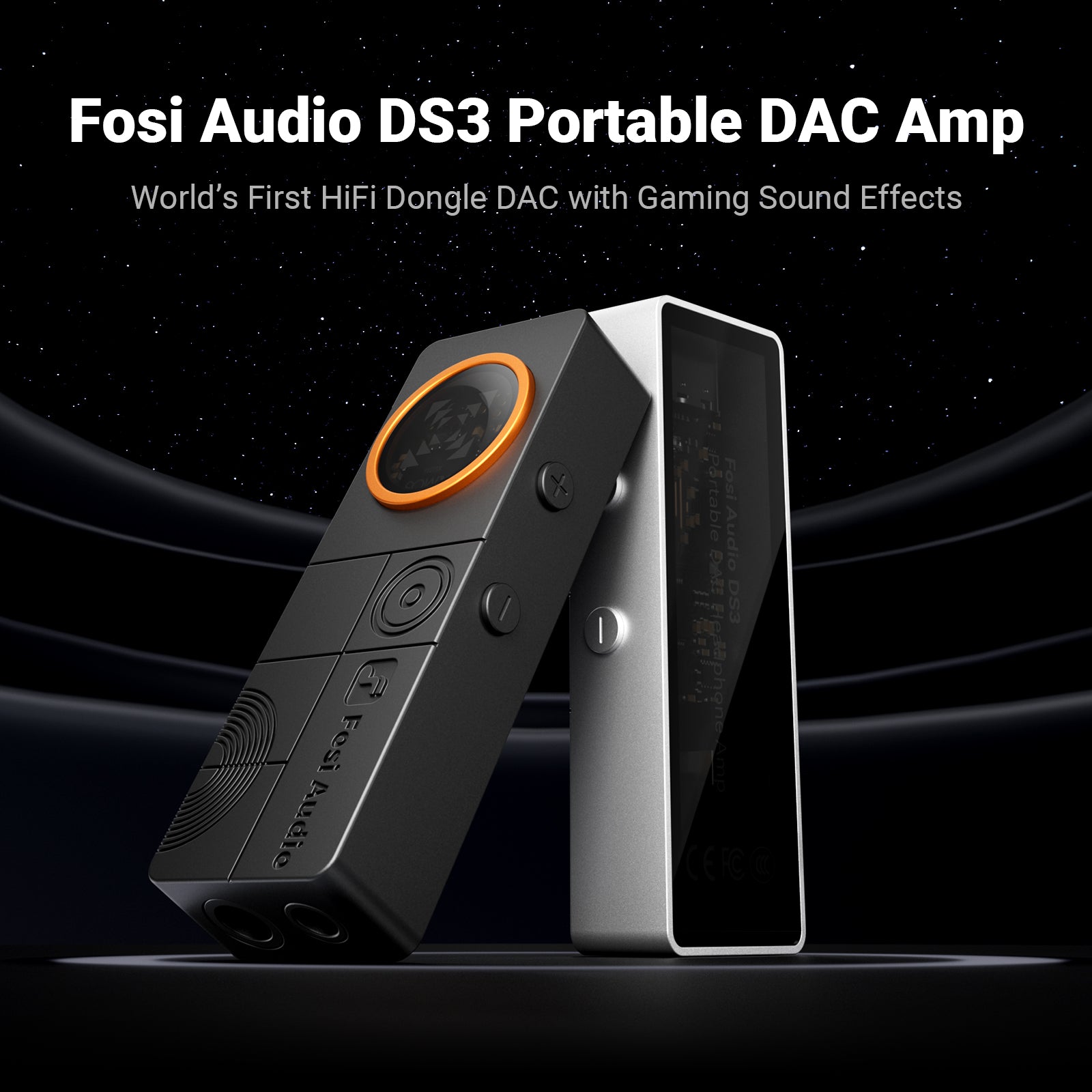


Fosi Audio DS3 Portable Dac Headphone Amp
Features
- Reconstruct multichannel 7.1 surround audio
- Create a spacious, lifelike soundstage
- Perfect pairing with IM4 Open-Back In-Ear Monitor
Fast, Free Shipping
24 Months Warranty
30-Day Money-Back Guarantee
Lifetime Customer Support
Fosi Audio DS3 Portable Dac Headphone Amp
If you have any questions, you are always welcome to contact us. We'll get back to you as soon as possible, within 24 hours on weekdays.
-
Shipping Information
We offer free worldwide shipping, except for certain regions such as Ukraine and Russia, where our services are currently unavailable.
-
Customer Support
WhatsApp: +8613716612254
support@fosiaudio.com
Mon-Fri: 3:00 AM - 3:00 PM PST -
FAQ’s
If you have any questions, please refer here: FAQs


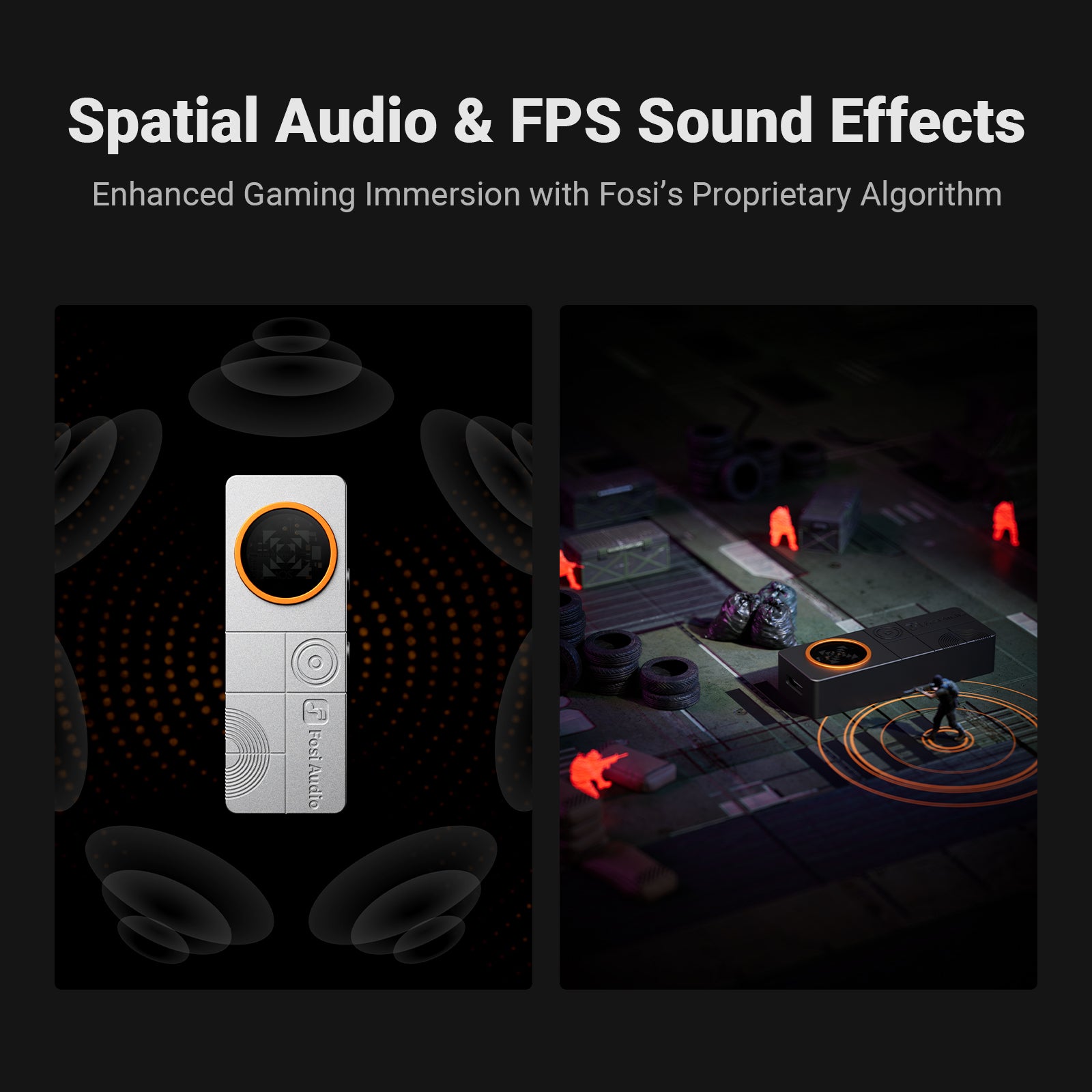
Hardware-level 7.1 Spatial Audio
Fosi's in-house spatial audio algorithm supports native 7.1-channel audio input and reconstructs the sound space to convert multichannel game audio into an expansive 2-channel 7.1 surround, crafting a 360° immersive audio experience.
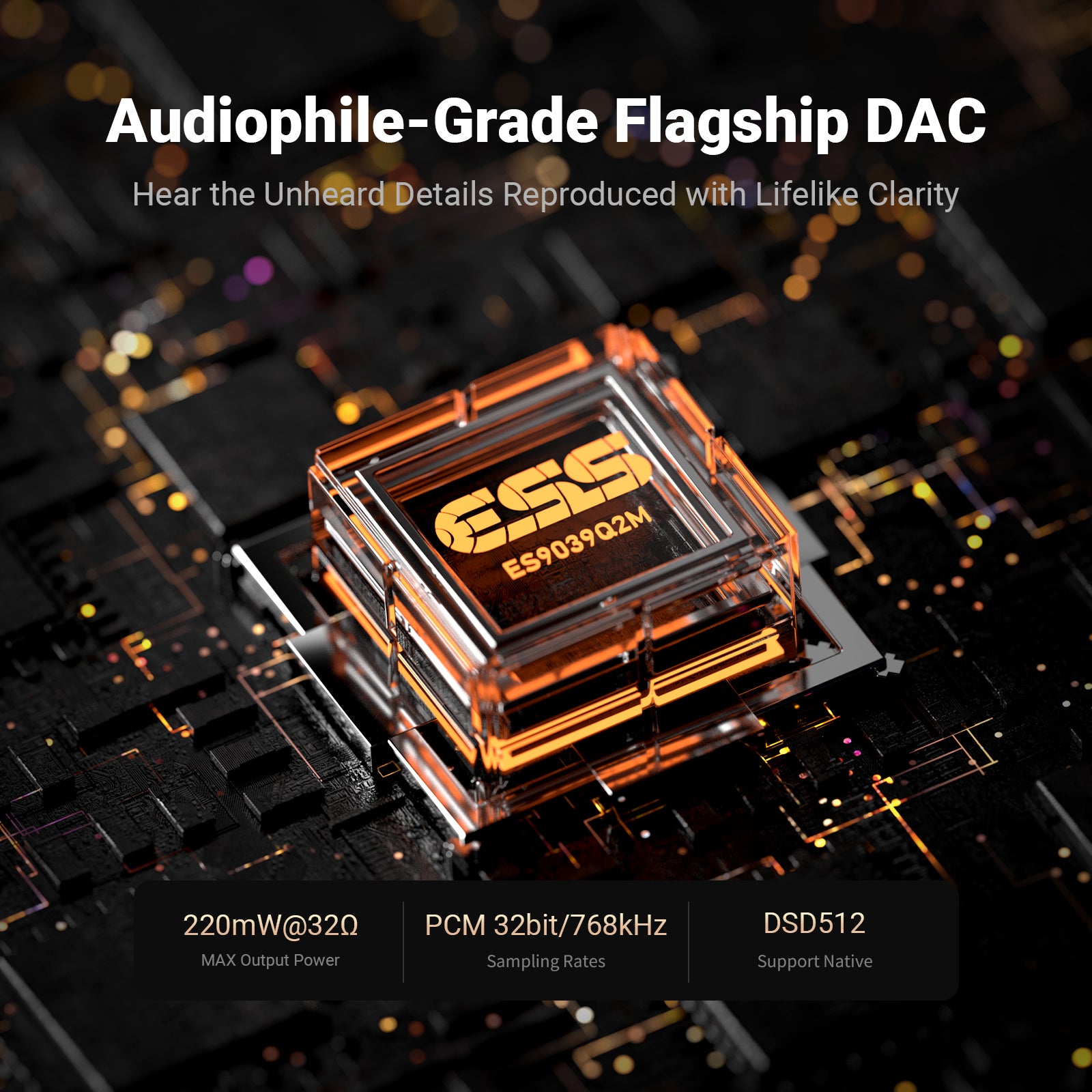
- MAX Output Power:220mW@32Ω
- Sampling Rates:PCM 32bit/768kHz
- Support Native:DSD512
- Headphone Impedance: 16-300 ohms
- Weight: 16g; Dimensions: 55x20x11mm


Product details
Description
No PC software or drivers needed. Fosi's in-house spatial audio algorithm supports native 7.1-channel audio input and reconstructs the sound space to convert multichannel game audio into an expansive 2-channel 7.1 surround, crafting a 360° immersive audio experience.
Even with standard stereo sources, it instantly creates a spacious, lifelike soundstage.
In games with multichannel audio output — such as Delta Force: Hawk Ops and Forza Horizon 5 — enabling 7.1 surround sound delivers precise directional awareness and realistic distance perception, bringing the roar of engines and the intensity of battlefields vividly to life.
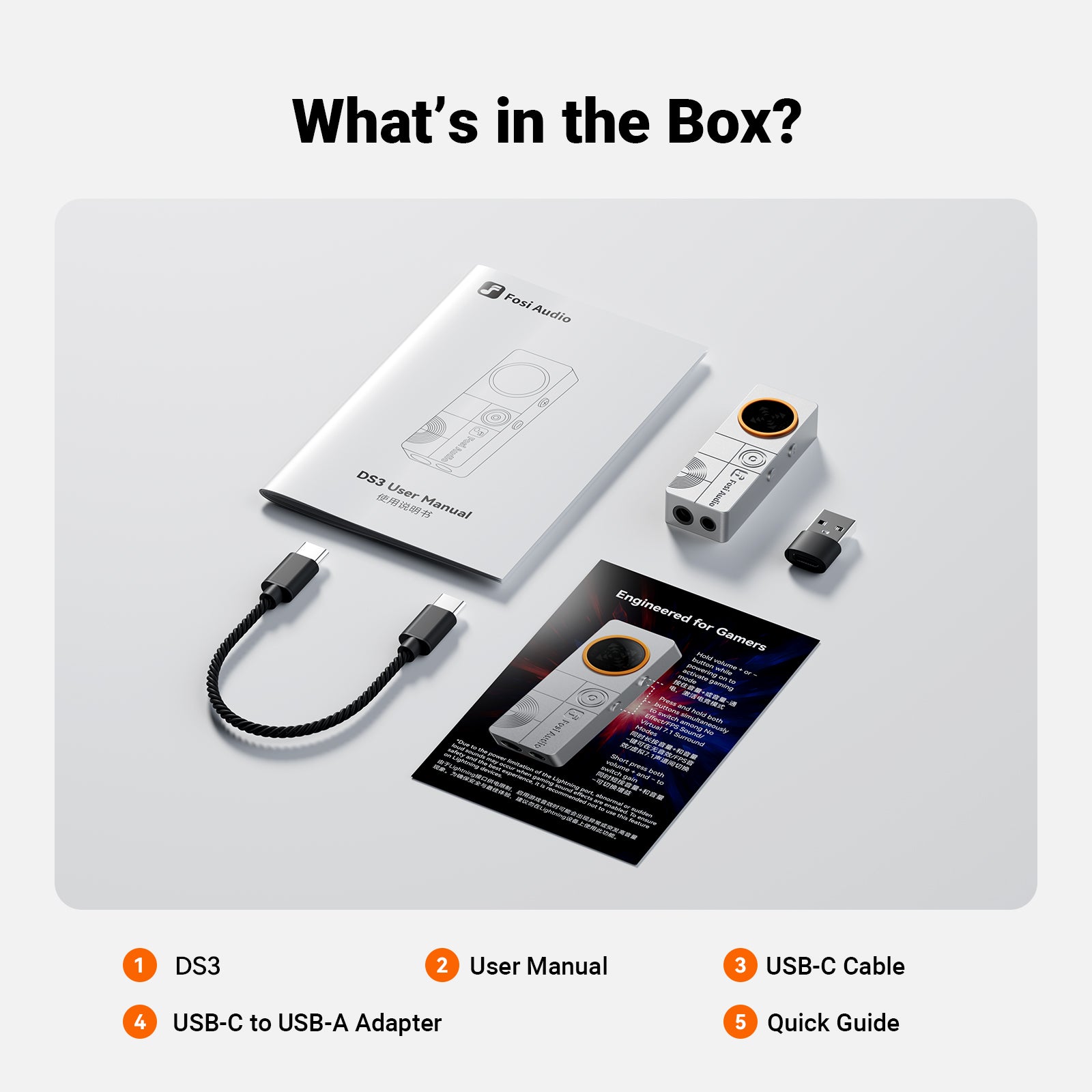
What‘s in the box?
- Fosi Audio DS3
- User Manual
- USB-C Cable
- USB-C to USB-A Adapter
- Quick Guide
FAQs
Please read our FAQs page to find out more.
What accessories are included with the DS3?
The box contains the DS3 dongle DAC/amp, a USB-C cable, a USB-C to USB-A adapter, a quick-start guide, and the user manual—everything you need for plug-and-play listening on phones, PCs, PS5 or Switch.
How do I switch gaming sound effects on the DS3?
In UAC 1.0 gaming mode, long-press both Volume+ and Volume- buttons to cycle through No Effect (yellow) / FPS Effect (blue) / 7.1 Spatial Audio Effect (purple); 7.1 creates a 360° immersive soundstage-no drivers needed.
Can I change digital filters on the DS3?
Yes—long-press both volume keys in UAC 2.0. Filters 1–7 blink once, Filter 8 blinks twice; pick the curve that best suits your headphones and music.
How do I change UAC modes on the DS3?
Plug in to default UAC 2.0 (red LED). Hold any volume key while reconnecting for UAC 1.0 (yellow). Swap back by unplugging and re-plugging the USB-C cable.
How do I toggle high/low gain on the DS3?
Short-press both volume keys together. In UAC 2.0, red flash = high gain, solid red = low. In UAC 1.0, watch the last color: flash = high, steady = low—yellow for no effect, blue for FPS, purple for 7.1.
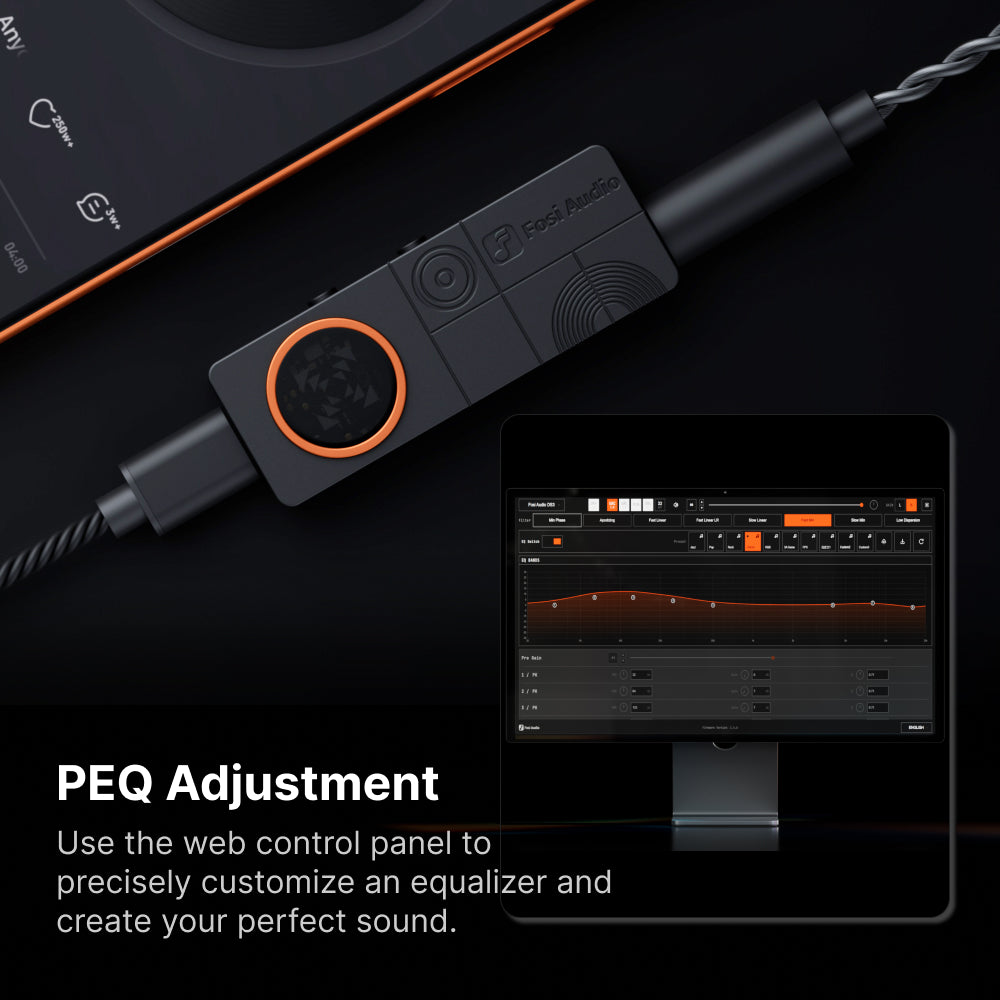
Customers praised the "fabulous" sound quality and impressive detail, with many noting it "makes headphones sound amazing." The 32-band customizable EQ and compact design received positive feedback. However, some cited volume inconsistencies between modes, a distracting flashing light, and limited sound projection concerns.
This little thing is insane. I use it to power my IM4s. Which it does with ease. Both 3.5 and 4.4. When I edited the peq. It really brought the sound to life. I can’t wait for the md3 to support peq. I use it daily. Can’t fault it at all.
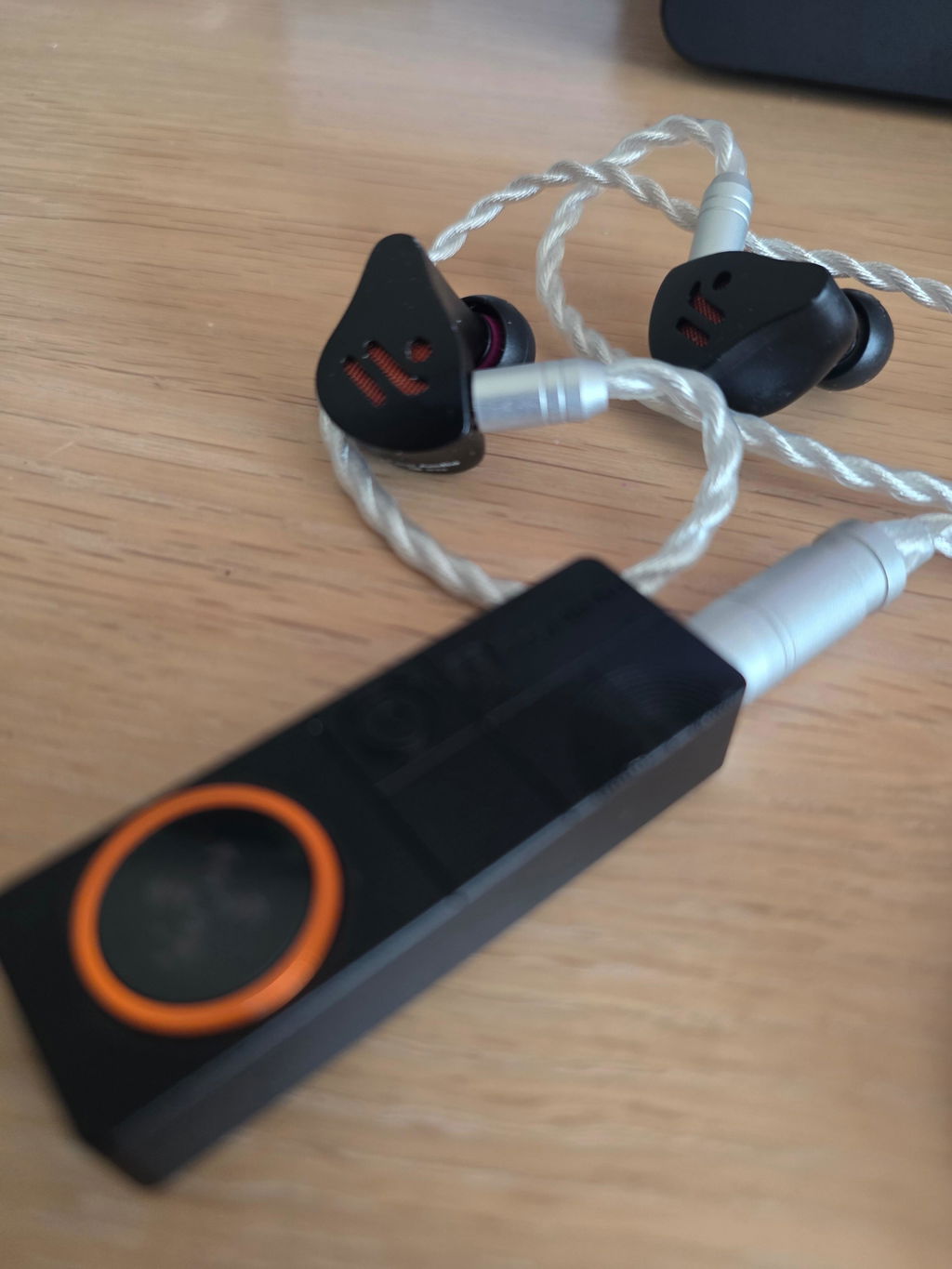
This DAC sounds absolutely fabulous. It’s the perfect companion for a set of proper audiophile headphones. Unlocks lossless playback. Dear Fosi, the constantly flashing red light is really annoying and unnecessary. Please fix this. Otherwise, excellent.
Very customizable eq with its 32 bands. Although you can’t modify every frequency, the separate bands are locked to seperate frequency spaces and I have yet to find a way to have eq on the higher hz bands.
Other than that great ui, fairly easy to update and nice form factor.
You are still able to customize eq to your preference.
Very customizable eq with its 32 bands. Although you can��t modify every frequency, the separate bands are locked to seperate frequency spaces and I have yet to find a way to have eq on the higher hz bands.
Other than that great ui, fairly easy to update and nice form factor.
You are still able to customize eq to your preference.
ds3
15 days passed, I haven’t received my order. And customer services always ask me to wait without any actions.
I've been an audiophile for 40 years. Absolutely no projection. What am I missing with this thing? Why is this not better than my computer's sound card? Granted, I haven't tried "gaming" mode. But, that's not why I purchased it and I don't want to have to turn on "gaming" mode every time I turn it on. It sounds just "okay" with no projection, but that's not why I purchased it.
Seriously good for gaming using the game audio function built in to this DAC. This has made my gaming experience like day and night different in a positive way.
Seriously good for gaming using the game audio function built in to this DAC. This has made my gaming experience like day and night different in a positive way.
Fosi Audio DS3 Portable Dac Headphone Amp
Fosi Audio DS3 Portable Dac Headphone Amp
Makes my current headphones sound amazing! A little but of buzzing but i think thats static since it goes away when i touch the cords
Makes my current headphones sound amazing! A little but of buzzing but i think thats static since it goes away when i touch the cords
Sounds good on the game mode, but music mode needs the source device volume turned way up to be audible. When I then switched it from music to game, I nearly went deaf from the volume jump! Suggest same volume settings for both modes. The music filters seem minimal to me, I can’t hear any real difference. I would consider making Game the default setting, or provide that option. Also, need an iPhone ap; ask Apple to play nice! 🙂
I am enjoying the DS3, it allows me to take the IM4’s and i5’s on the move. Sound quality and seamless performance is great with hi resolution tracks. Certainly designed more towards gamers than critical listening. Very attractive design and unbeatable small size with self powered convenience.
I am enjoying the DS3, it allows me to take the IM4��s and i5��s on the move. Sound quality and seamless performance is great with hi resolution tracks. Certainly designed more towards gamers than critical listening. Very attractive design and unbeatable small size with self powered convenience.
I have just received the Ds 3, which boasts exceptional sound quality and an impressive ability to distinguish details. Fosi has been attentive to customer feedback and continues to enhance its products. I hope you keep progressing.
I have just received the Ds 3, which boasts exceptional sound quality and an impressive ability to distinguish details. Fosi has been attentive to customer feedback and continues to enhance its products. I hope you keep progressing.
Muy buen sonido detallado y analitico, aún no utlizo las funciones de modo juego, ojala saquen una app dedicada pronto para facilitar cambiar entre modos de manera mas sencilla 😉
Muy buen sonido detallado y analitico, a��n no utlizo las funciones de modo juego, ojala saquen una app dedicada pronto para facilitar cambiar entre modos de manera mas sencilla ??
I bought an early bird bundle , this and the IM4 earphones . The sound is superb . I use the dac on high quality and fitted the brass tubes with bass buds . For me , that is the best combination. Highly recommended.
I bought an early bird bundle , this and the IM4 earphones . The sound is superb . I use the dac on high quality and fitted the brass tubes with bass buds . For me , that is the best combination. Highly recommended.